Your projects stay on your Mac. Text-to-speech and exports run locally, so your files never leave your computer until you’re ready to share them.
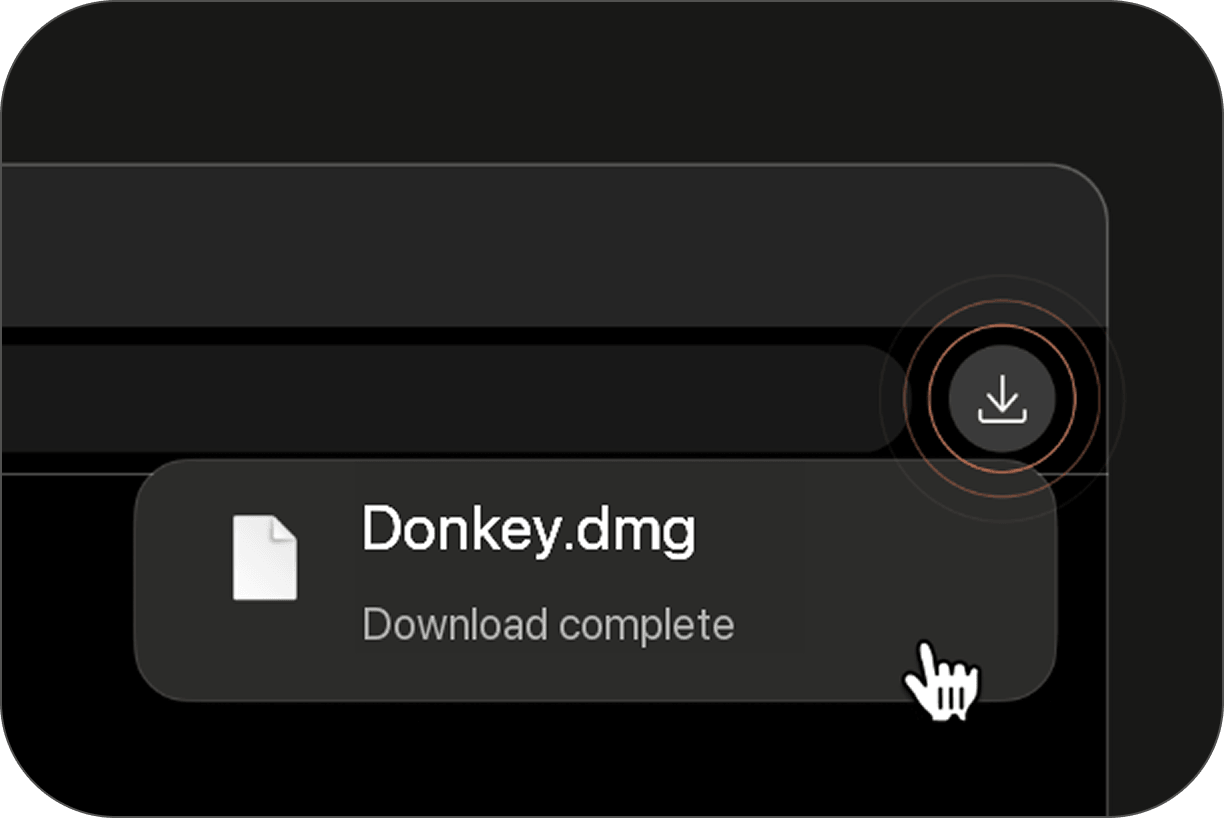
Open the Donkey.dmg file from your downloads.
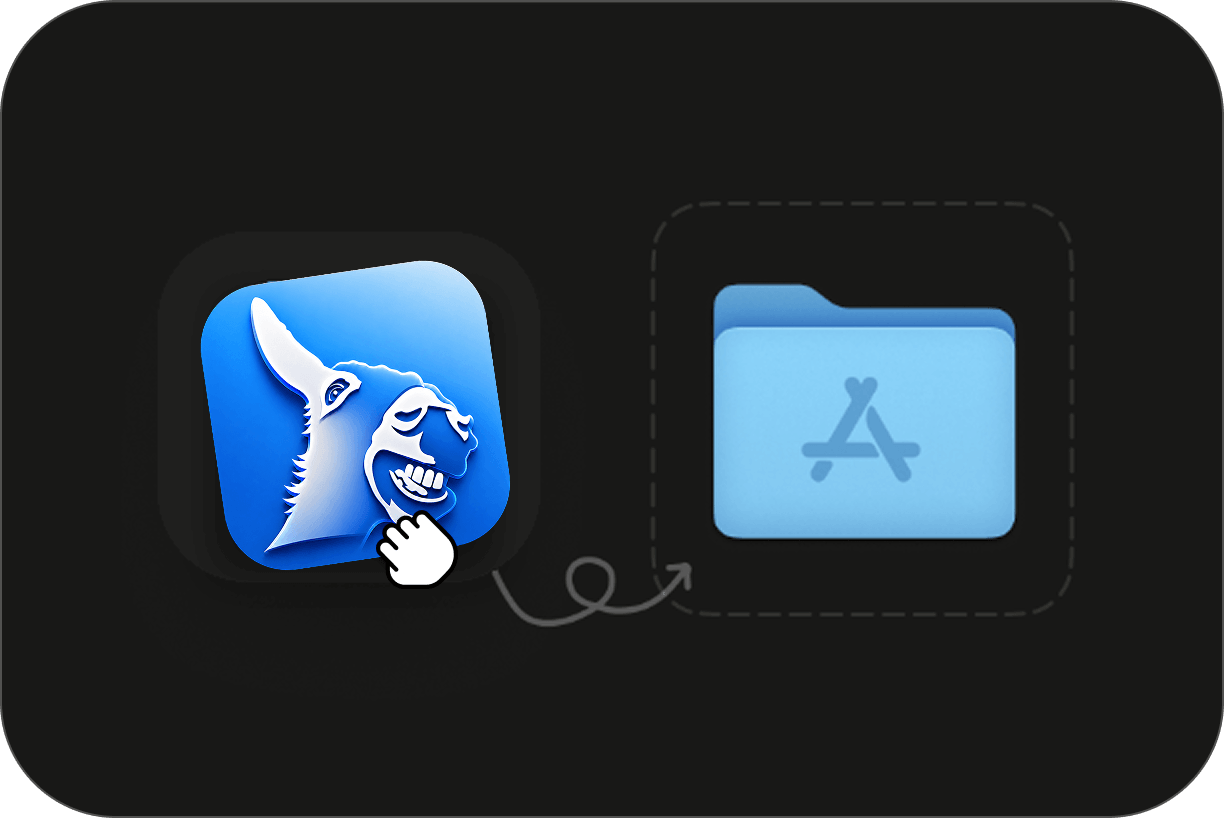
Drag and drop the Donkey app into your Applications folder.
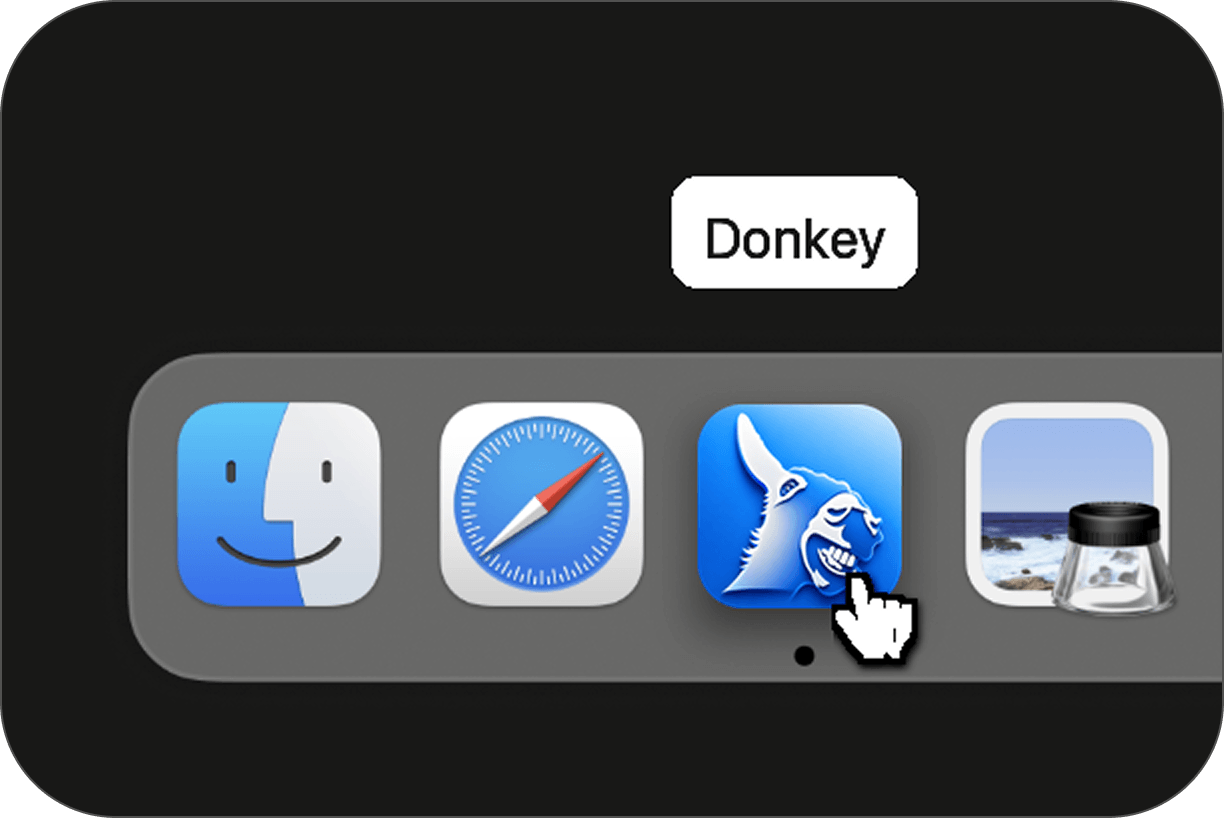
Open Donkey from your Applications folder or Launchpad.